Repeats

What Is a Brick Repeat?

The brick repeat explained: how rows shift, when it beats a half drop, and how to prepare the tile for printing.
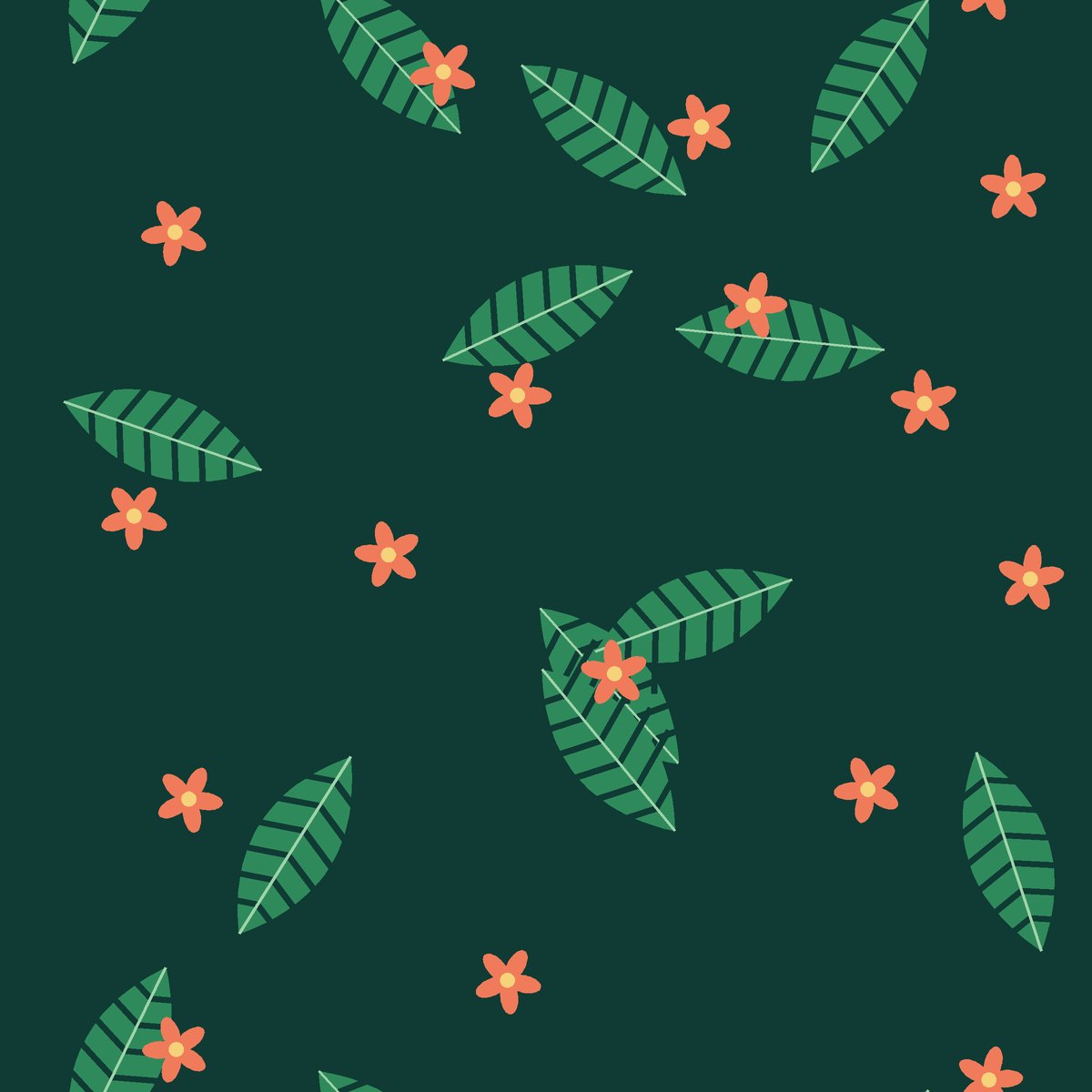
Monstera Tropics — seamless pattern repeat

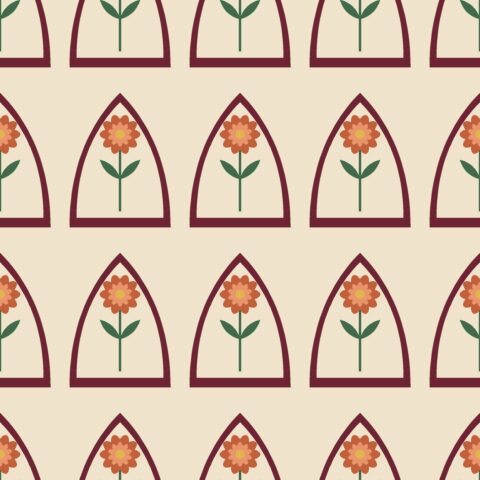
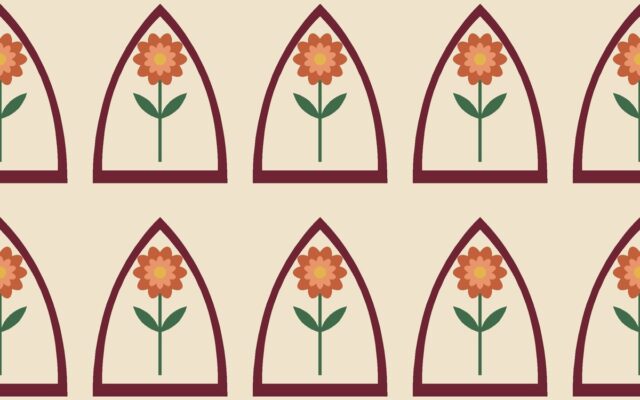
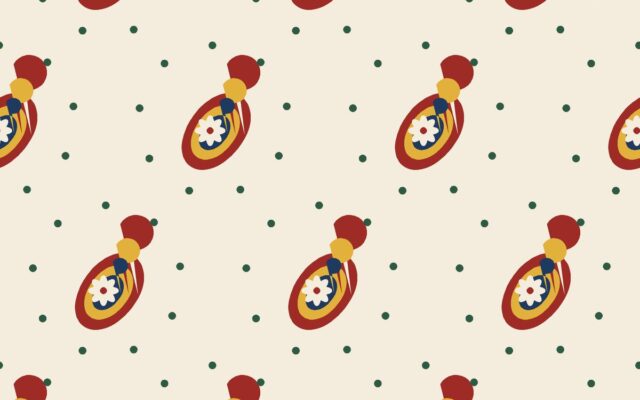
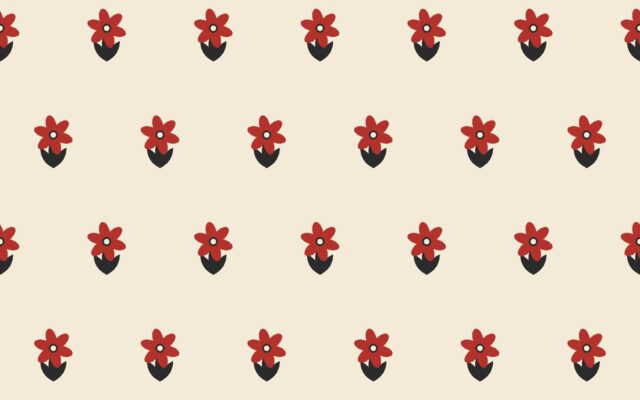
A brick repeat — also called a half-brick or brick drop — arranges the design in horizontal rows and shifts every second row sideways by half the width of the repeat, exactly like bricks in a wall.

How it differs from a half drop

A half drop shifts columns vertically; a brick repeat shifts rows horizontally. Both break up the grid, but the resulting diagonals run at different angles relative to the fabric. That matters because fabric has a direction: the warp runs along the length, the weft across the width.

When to choose a brick repeat

  • Directional motifs: animals, figures or objects that should all face sideways read as orderly parades.
  • Horizontal compositions: motifs that are much wider than they are tall pack more evenly in rows.
  • Tile and scale effects: rounded motifs with no spacing create fish-scale and honeycomb looks.
  • Wallpaper: some wallpaper designs are drawn as brick repeats so that strips hung side by side align naturally.

The repeat tile

As with a half drop, the smallest rectangle that repeats on a simple grid contains two units — but stacked vertically. A 20 × 20 cm brick design produces a 20 × 40 cm tile. Supply this tile to your printer as a straight repeat, or supply the single unit and specify “brick ½” if your printer supports offsets.

Building one

The Brick Repeat Generator creates the offset rows from a motif and exports the two-row tile. In Photoshop, double the canvas height, copy the tile into the lower half and offset that copy horizontally by half the width with wrap-around.

Checking the result

Preview the tile at 5 × 5 and look along the rows. If motifs form an unintended zigzag, adjust spacing or move a filler motif. The Seamless Pattern Checker confirms that the two-row tile joins cleanly.